Three-Part Workflow

How AI Uses the Three Qt-UI Toolkits

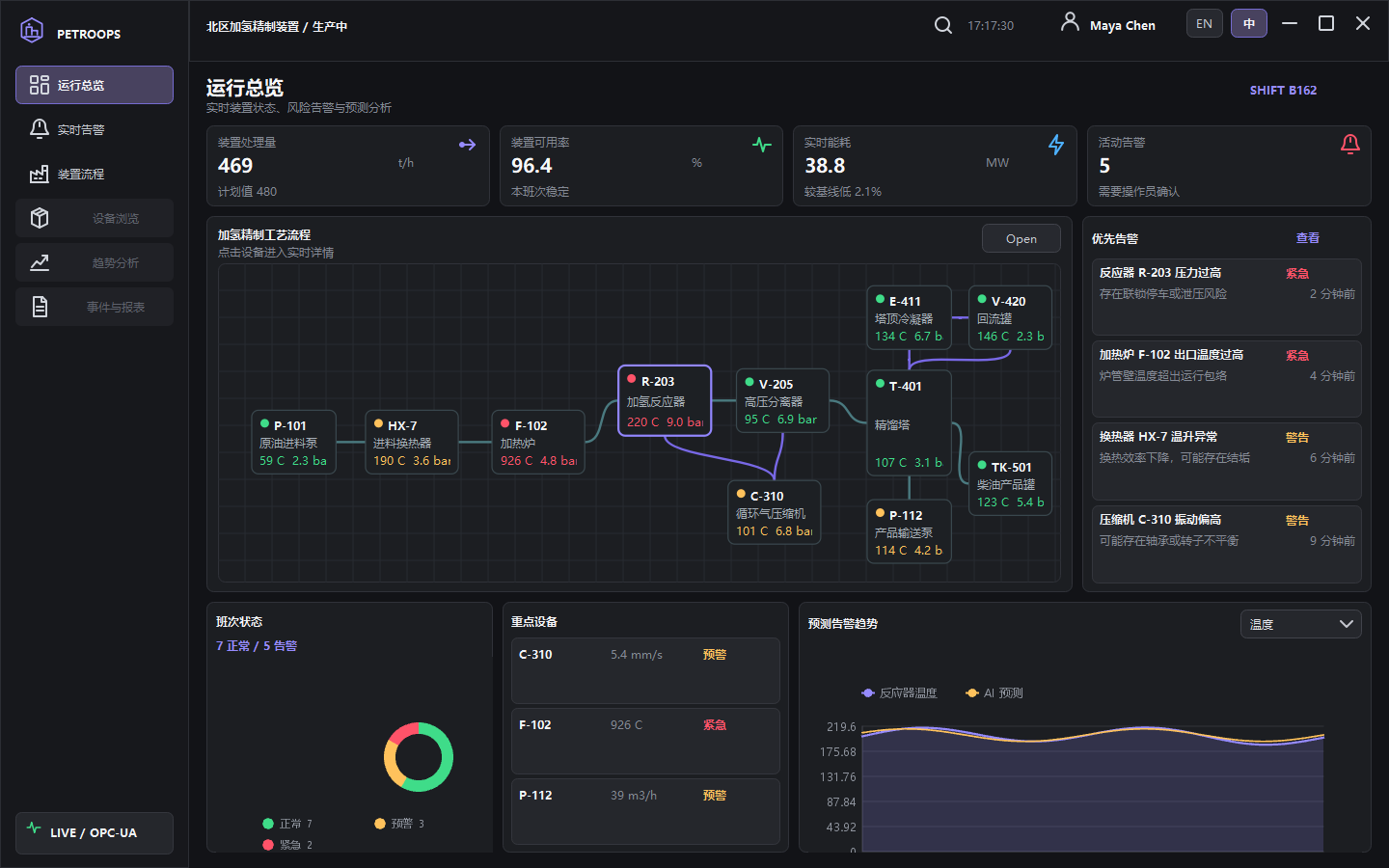
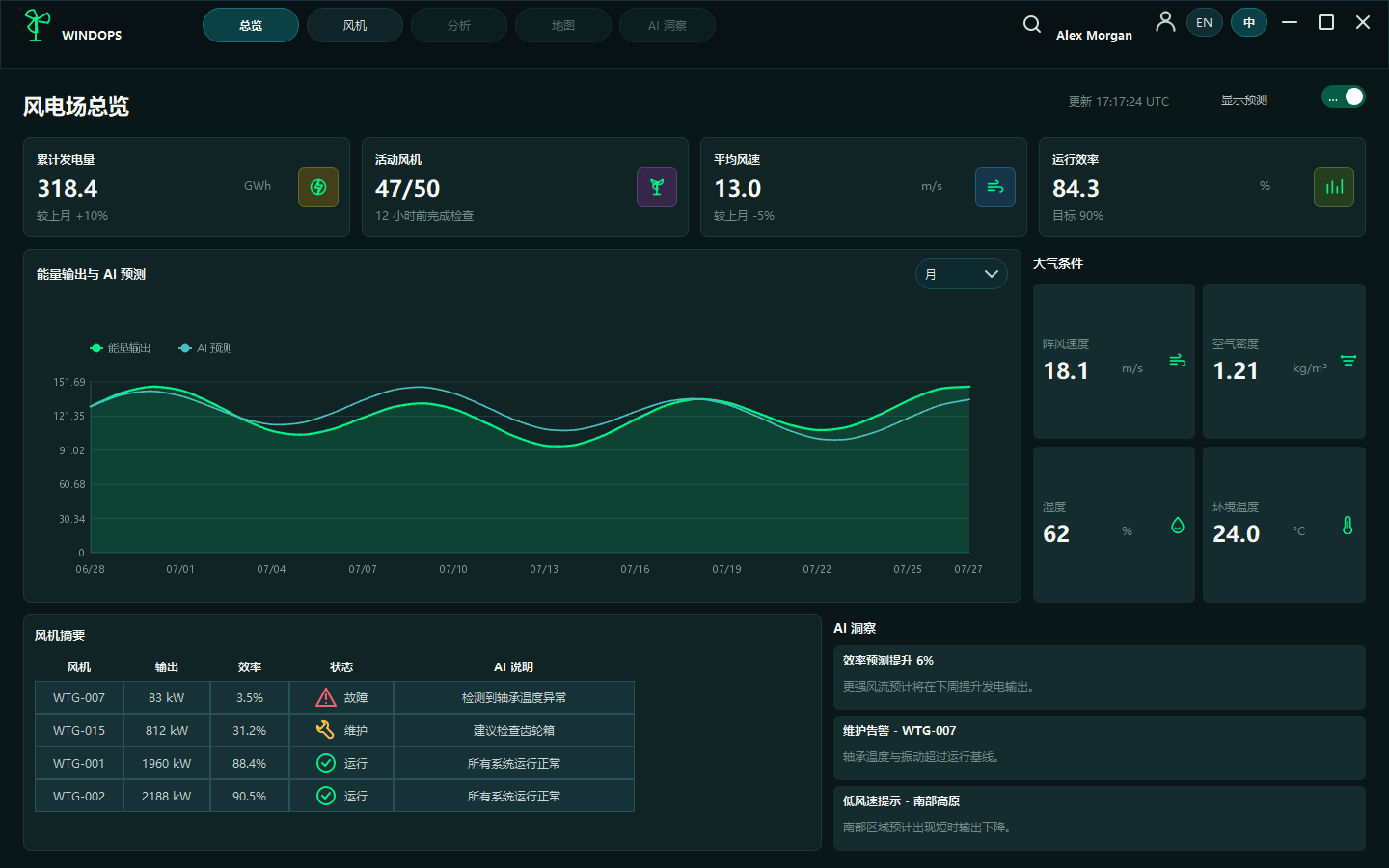
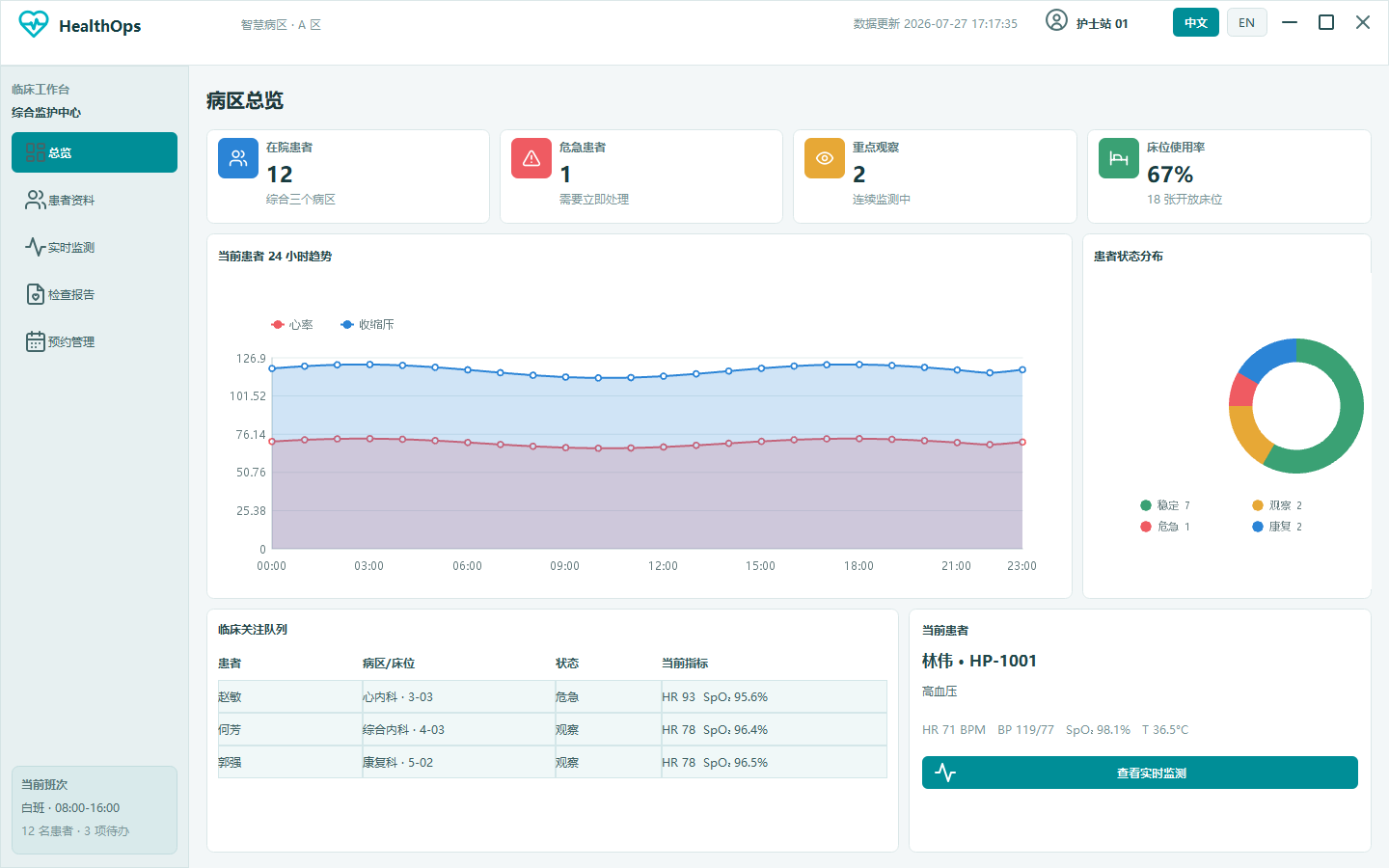
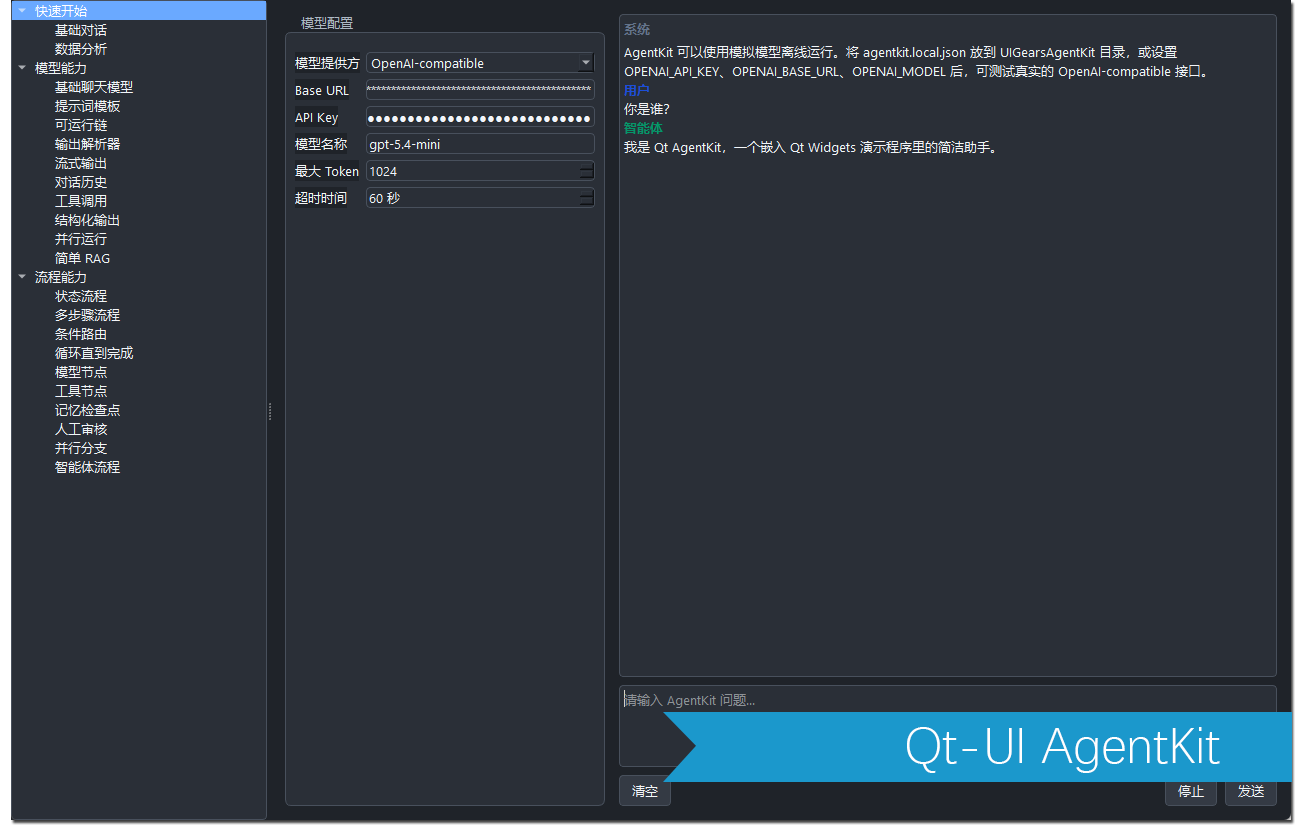
Let AI split work according to toolkit capabilities, then generate code, configuration, and test cases.

01

StyleKit Constrain Visuals

Ask AI to use existing themes, QSS snippets, icons, and widget states instead of scattered custom styling.

02

WidgetKit Assemble Interfaces

Let AI organize UI structure with containers, inputs, display widgets, data widgets, and navigation controls.

03

ChartKit Build Charts

Let AI choose Line, Column, Pie, or Scatter charts based on business data and generate sample data.

04

Engineer Review Iterate Delivery

Engineers review interaction boundaries, performance, cross-platform behavior, and real data integration.

Components

Three-Part Component Guide

Split AI tasks into visual style, widgets, and charts to make prompts more specific and results easier to review and reuse.

Qt-UI StyleKit
Qt style and theme library

Qt-UI StyleKit

A reusable QSS and icon style package for building consistent, modern, maintainable Qt Widget interfaces.

View Product
Qt-UI WidgetKit
Custom Qt Widget control library

Qt-UI WidgetKit

A Qt custom control library for industrial, data, and business systems, reducing repeated UI implementation work.

View Product
Qt-UI ChartKit
High-performance Qt chart controls

Qt-UI ChartKit

Custom Qt chart controls for desktop data visualization, focused on line, column, pie, and scatter charts.

View Product
Start Building

Combine Qt-UI Toolkits with an AI Workflow

Use AI to draft the interface, StyleKit to unify visuals, WidgetKit to reuse widgets, and ChartKit to complete data visualization.

Contact Us